cPanelメールを確認
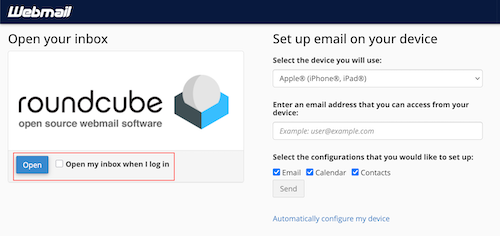
After you've set up your email account, you can check your email through cPanel's built-in webmail client, Roundcube.
- http://ドメイン名/ webmailに移動します。
- cPanelにサインインします。
- Under Roundcube, select Open.
- (Optional) If you want to sign directly into Roundcube, check the box next to Open my inbox when I log in.