Category pickup settings
Step 4 of the Set up Local Pickup Plus series.
You can choose from several different options for local pickup for your specific products or product categories in WooCommerce. We'll show you how to set up local shipping for any of your product categories in this article. Here's how to set it up:
Options for Local Pickup
- Can pick up: Customers can choose whether to ship or pick up.
- Cannot pick up: Only shipping is available.
- Must pick up: Only pickup is available.
- Sign into WordPress.
- From the left-hand menu, go to Products and select Categories.
-
Select the category you want to edit and refer to the Local Pickup field.
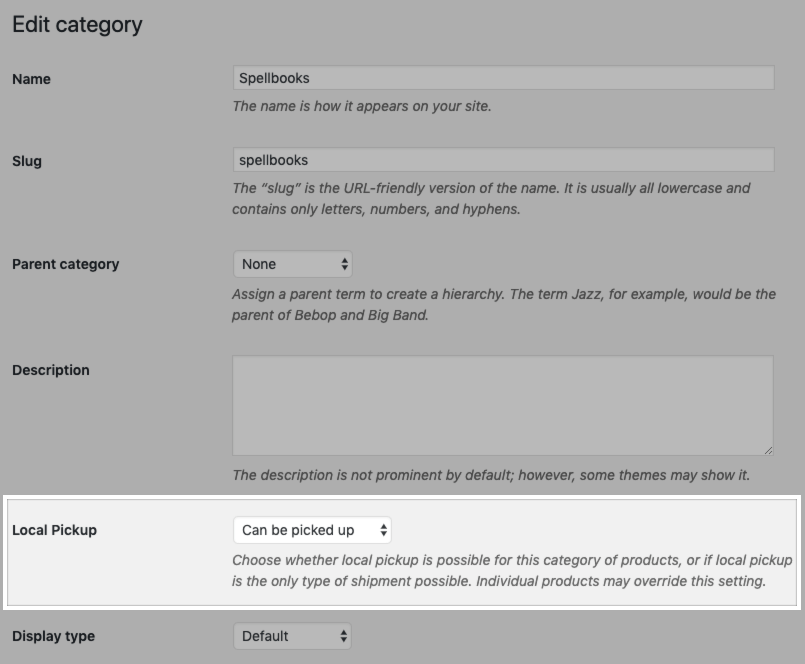
- From the dropdown, select one of the three options discussed above to enable or restrict local pickup for that category.
- Click on Update to save your changes.